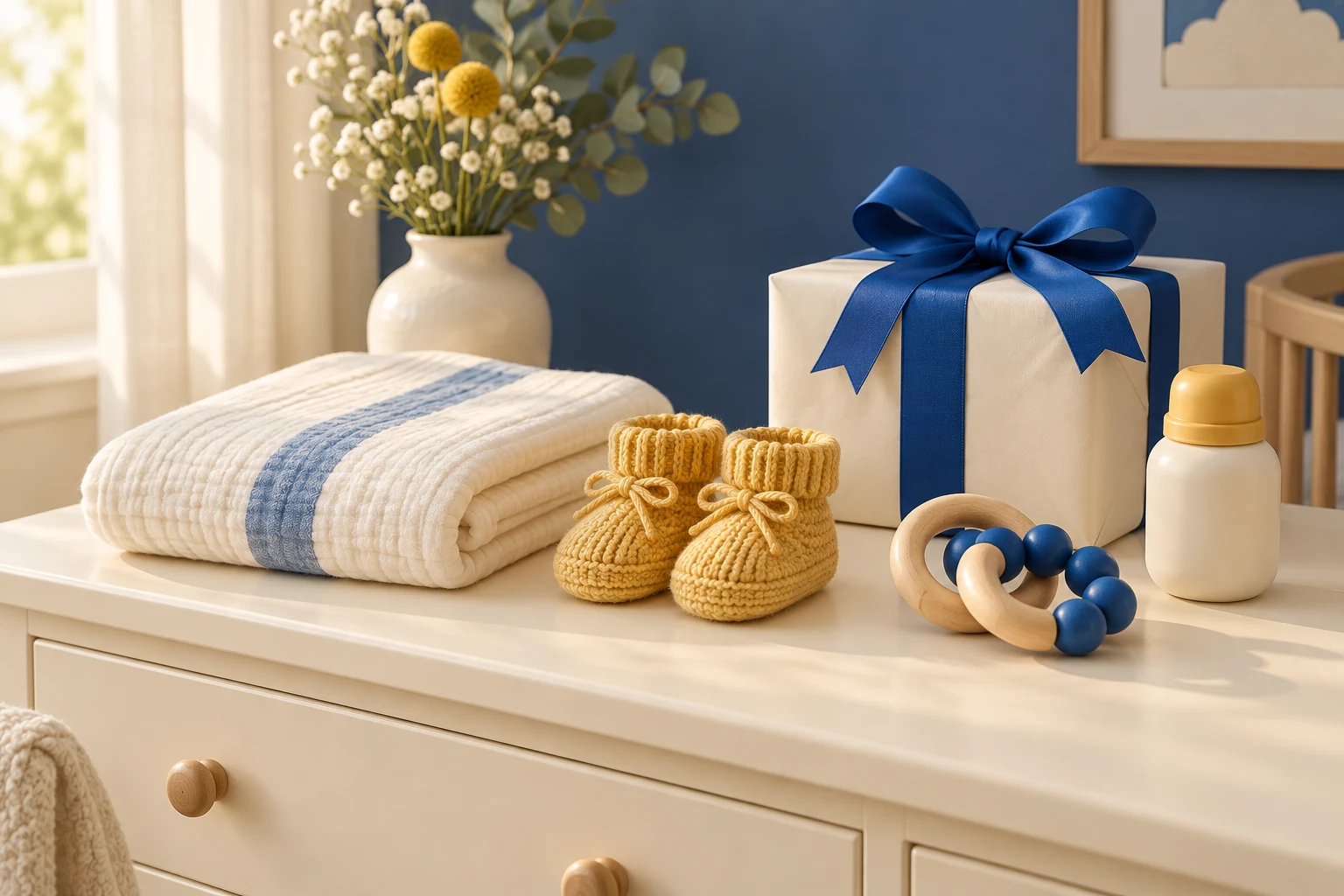
A useful baby registry begins with a list of needs, not a shopping cart full of suggestions. Gather what you already own, note what others plan to give you, and decide which remaining items you want help with. Then use the registry to organize those choices in one place.
Create a baby registry from Amazon's Registry & Gifting area, review its privacy settings, add selected items and quantities, then use Share to send the registry link. Check the recipient's view before sharing it widely.
Go straight to the stepsBefore you begin
Make the list around your space, plans and actual needs. A registry suggestion is not proof that a product is necessary or suitable. Check current product instructions and safety information separately. Promotional boxes, discounts and other benefits have conditions; do not assume creating a list qualifies you for all of them.
What you’ll need
- Your Amazon account
- A short list of items still needed
- The delivery information requested by Amazon
- Your preferred privacy setting
- A note of gifts already promised or purchased
Let’s do this
Step by step
- 01
Make a short inventory first
Use three columns: already have, someone has offered, and still need. Include quantities and sizes where relevant. This catches duplicates before they reach the registry. Keep unresolved choices in a private note until you have compared them.
- 02
Create the registry on Amazon
Open Registry & Gifting, choose Create a registry or gift list, and select the baby option. Complete the setup fields with the details you want to use. Read each field rather than accepting a suggested entry without checking it.
- 03
Choose privacy before adding a large list
Open the registry's Settings, review its privacy choices and save the setting you want. Consider who should be able to discover the list, not just who will receive a link. Review the visible profile and delivery-related information before sharing.
- 04
Add the exact items and quantities
Use Add to registry from the registry or a product page. Check the selected size, color and pack count first. Edit quantities or remove an entry from the registry as needed. One product page can have several variants, so do not rely on the image alone.
- 05
Share and check the recipient view
Use the registry's Share control to copy its link. Preview that link while signed out or ask a trusted recipient to confirm they can see the intended list. A list that does not appear in public search may simply have a more restrictive privacy setting.
- 06
Maintain the list as plans change
Review the registry after gifts arrive or someone offers an item outside it. Remove needs that have already been met and adjust quantities. Keep a separate thank-you note list if that helps you stay organized, without placing private messages in public item comments.
Check the current option on Amazon
Affiliate disclosure: As an Amazon Associate I earn from qualifying purchases. How our links work.
Read the steps and compare the terms before signing up. Account eligibility, prices and offers are determined by Amazon.
Give the list a manageable first version
Begin with the decisions you have already made. You do not need to fill every suggested category in one sitting. A smaller accurate list is easier for family to use than a huge list containing alternatives you do not actually want together.
Include a range of prices only among things you need. If you are undecided between two expensive products, finish that comparison before listing both. Mark the reason for a particular size or specification in your own planning notes so you remember it later.
Check gifts against your home
Measure available storage and think about where supplies will be used. A large multipack may be awkward in a small apartment; a duplicate bulky item may not have a sensible place. Decide what you can store comfortably before choosing quantities.
Separate organizing the registry from evaluating product safety. This guide explains how to manage the list; it does not certify any particular infant product. For an item with fit, age or installation requirements, review its manufacturer instructions and any current recall information before adding it.
A quick final check
- The registry matches what we still need.
- Quantities and product variants are correct.
- Privacy settings were reviewed and saved.
- The shared link shows the intended list to a recipient.
Common questions & sticking points
Why can't someone find my Amazon baby registry by searching?
Check its privacy setting. A registry that is not public may require its direct sharing link. Confirm the setting and test the link rather than immediately creating another registry.
Does creating an Amazon baby registry guarantee a welcome box?
No. Registry benefits have qualifying requirements. Check the current benefit terms shown in your account before buying anything to qualify.
Should I add every suggested item to my baby registry?
No. Use suggestions as ideas, then compare them with what you already have, your space and your actual plans. Keep only the items and quantities that make sense for you.
Sources & further reading Optional
References used to check this guide. Follow your product’s own safety instructions where its design differs.
Last source check: September 22, 2026